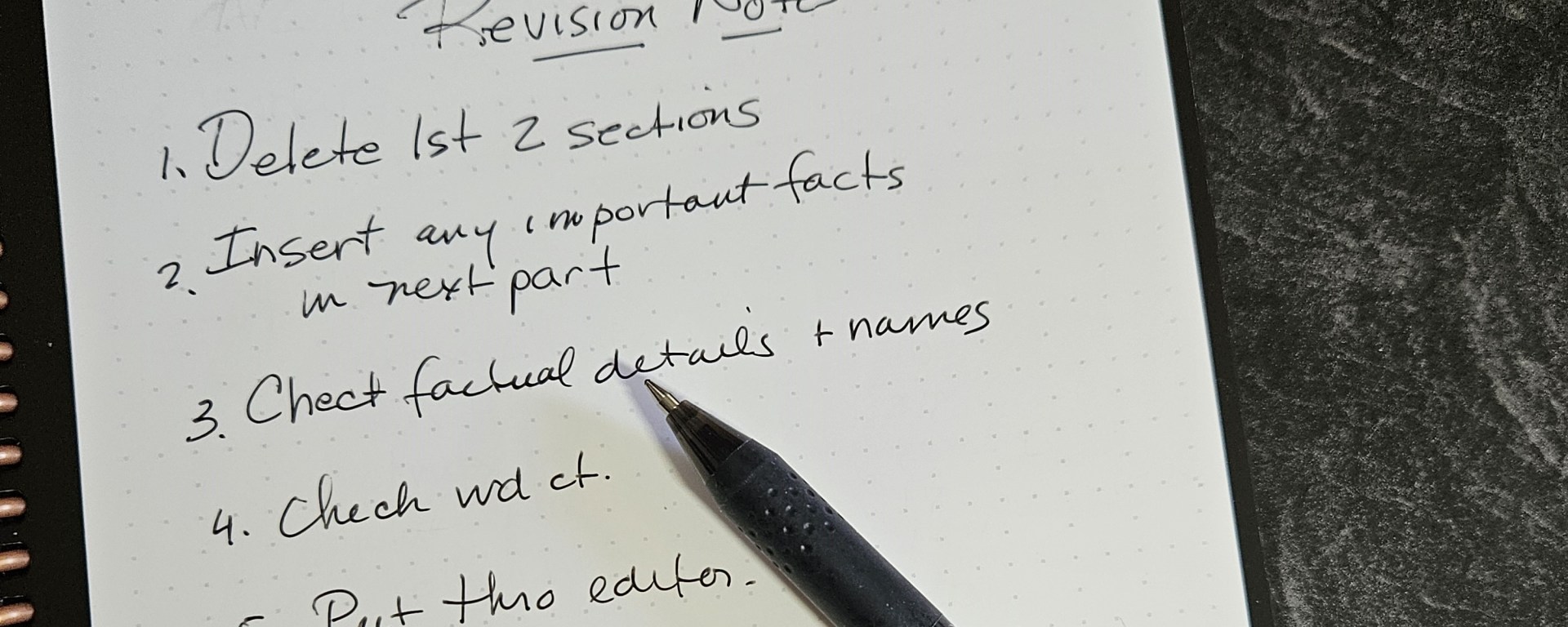
Handwritten notes still have a place in this digital age. In my book, Fast Draft Your Manuscript, I provide many reasons why keeping a small notebook beside your computer can make the writing process faster.
Here are a few:
- Use it when brainstorming a plot element or character action
- Draw a mind map or web
- Record something you don’t want to forget to include
- Play with possible wording or reframe a cliché
- Track progress
- Work out chapter order and/or plot points
The Rocketbook: A Smart Notebook
In the past, I used a 5 inch by 7 inch spiral notebook to do these things and more. But when a notebook was full, I had a conundrum. Do I keep the notebook or do I throw it away? Do I tear out some pages that contain information I might need again and figure out a way to store them or waste precious writing time typing the info into my computer?
Recently, I have discovered a tool that I think all writers will like. It is called a Rocketbook and has been around quite a while. Mainly used by students for taking notes and teachers for planning, a Rocketbook looks like a spiral notebook. It comes in three sizes and consists of tough-surfaced pages on which you write using a Pilot Frixion pen. (The pen comes with the notebook.)
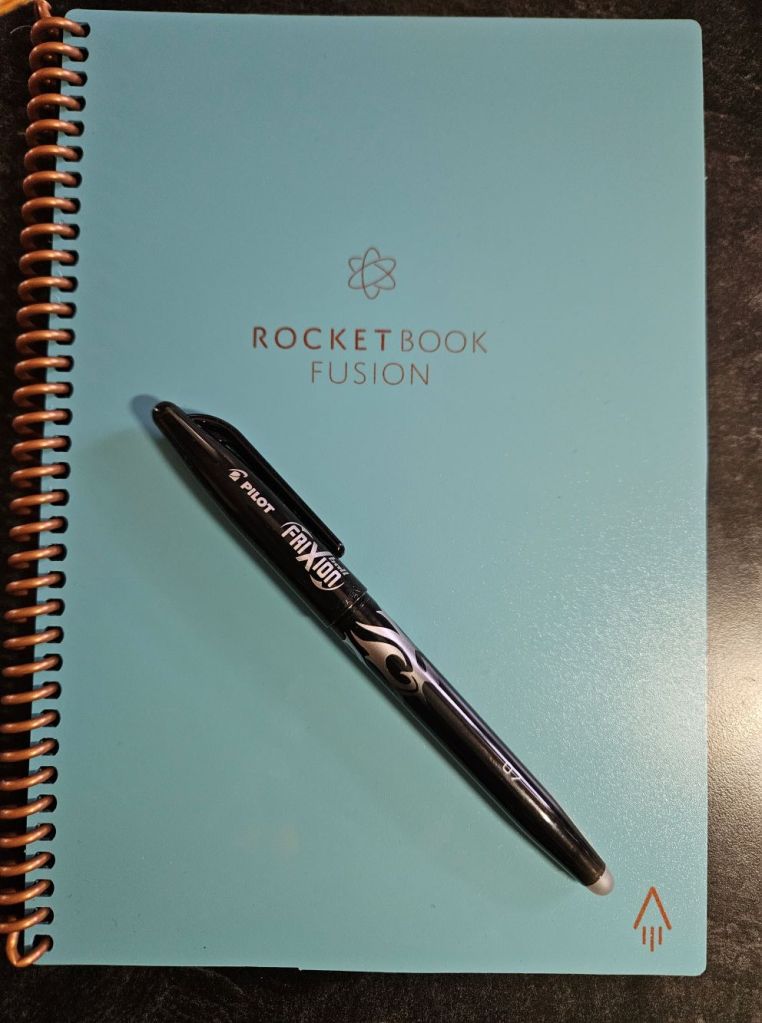
To use the notebook, you write normally. Then if that page of notes is something you feel you need to save, use the associated phone app to scan and upload the page as a pdf to one of many cloud programs like Google Drive, OneNote, Dropbox, and more. You can then convert the handwriting to type if you wish. When done, you erase the page using a cloth and water and start over again.
I estimate that there are enough pages in one notebook to take notes on one novel draft. That means I can work through my draft without stopping. When done, I can save the notes I want then clean out the notebook for the next draft. Lots of saved paper and the important things digitized. What more could I want?
Other Uses
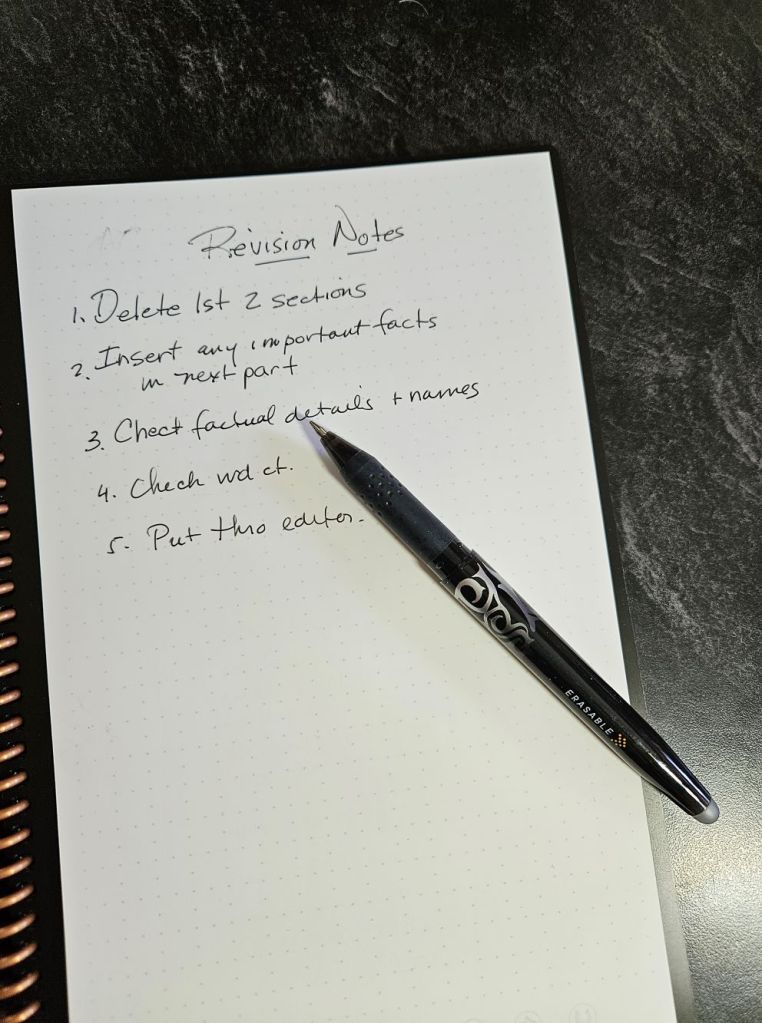
Besides using the Rocketbook for drafting and revision notes, it is a fine place to journal and make plans as well. There are several different versions to choose from. Some have preprinted forms and calendars to simplify planning. Though for a writer, the ones with the most pages might work the best.
More about Rocketbook
Apparently, there are other exciting smart tools as well. They have a “whiteboard” that sticks to surfaces and would be great for storyboarding. Coming soon they will have reusable sticky notes. They also have index cards that can be uploaded to the cloud apps, including to Trello. This is a site on which you can arrange digital cards into various groupings. It is handy for novel planning and character development.
You can have fun too. If you like to add color or drawing to your notes, the Pilot Fixion Pen comes in a variety of colors and tip sizes.
Smart Notebooks
Rocketbook is not the only smart notebook on the market. I happened to choose this one as it was reasonably priced. There are others that you might like better. Check out this review of some of the pricier alternatives.
Do you already use a smart notebook? Interested in trying one?
Discover more from ZARA WEST'S JOURNAL
Subscribe to get the latest posts sent to your email.
